
Theme Setup Wizard
Estimated reading time:
After activating Velura theme you should be redirected to the setup wizard it looks as the following
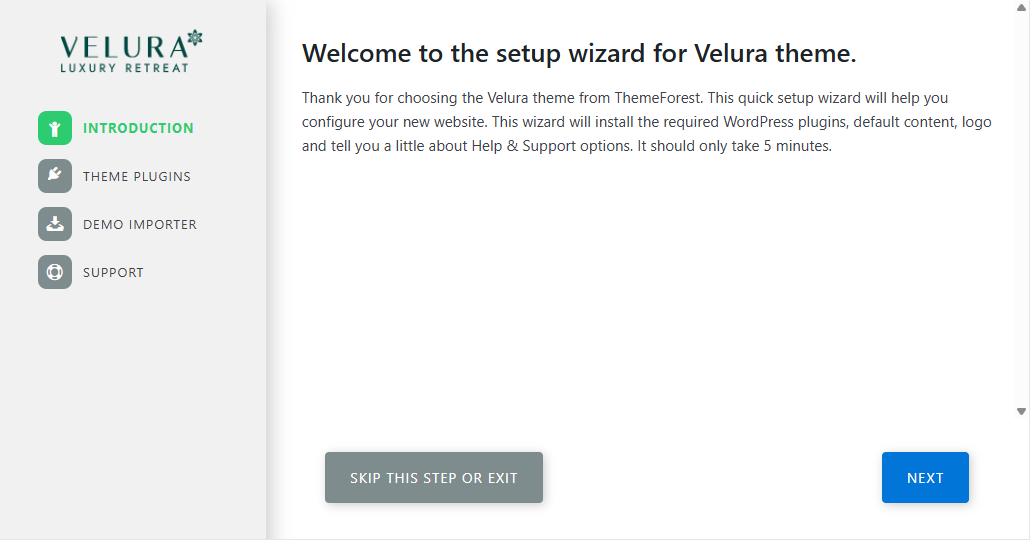
The setup wizard will do the following:
- Installing the required plugin
- Importing the demo content for your selected demo
- Setting your site logo and accent color
- Overview about our support
You can access the setup wizard from Appearance > Velura Setup
In this page: