
Intro Header
Estimated reading time:
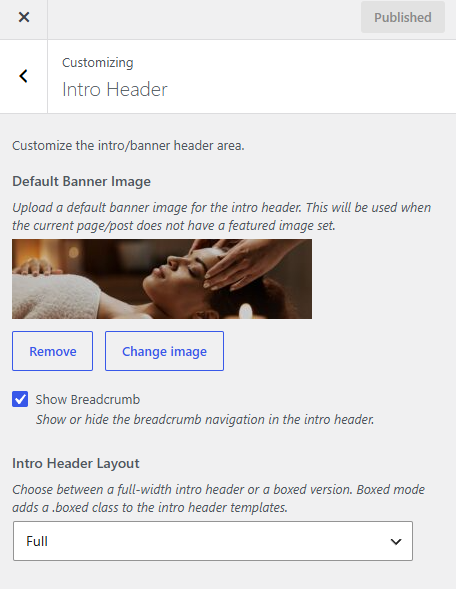 The Intro Header panel provides settings to customize the intro/banner header area of your site. It includes the following controls:
- Default Banner Image: An image upload control that allows you to set a fallback banner image for the intro header. This image will be displayed on any page or post that does not have a specific featured image set. It includes buttons to remove or change the uploaded image.
- Show Breadcrumb: A checkbox control used to show or hide the breadcrumb navigation trail within the intro header area.
- Intro Header Layout: A dropdown menu that lets you choose the structural layout of the intro header. You can select between a full-width layout or a boxed version
In this page: